











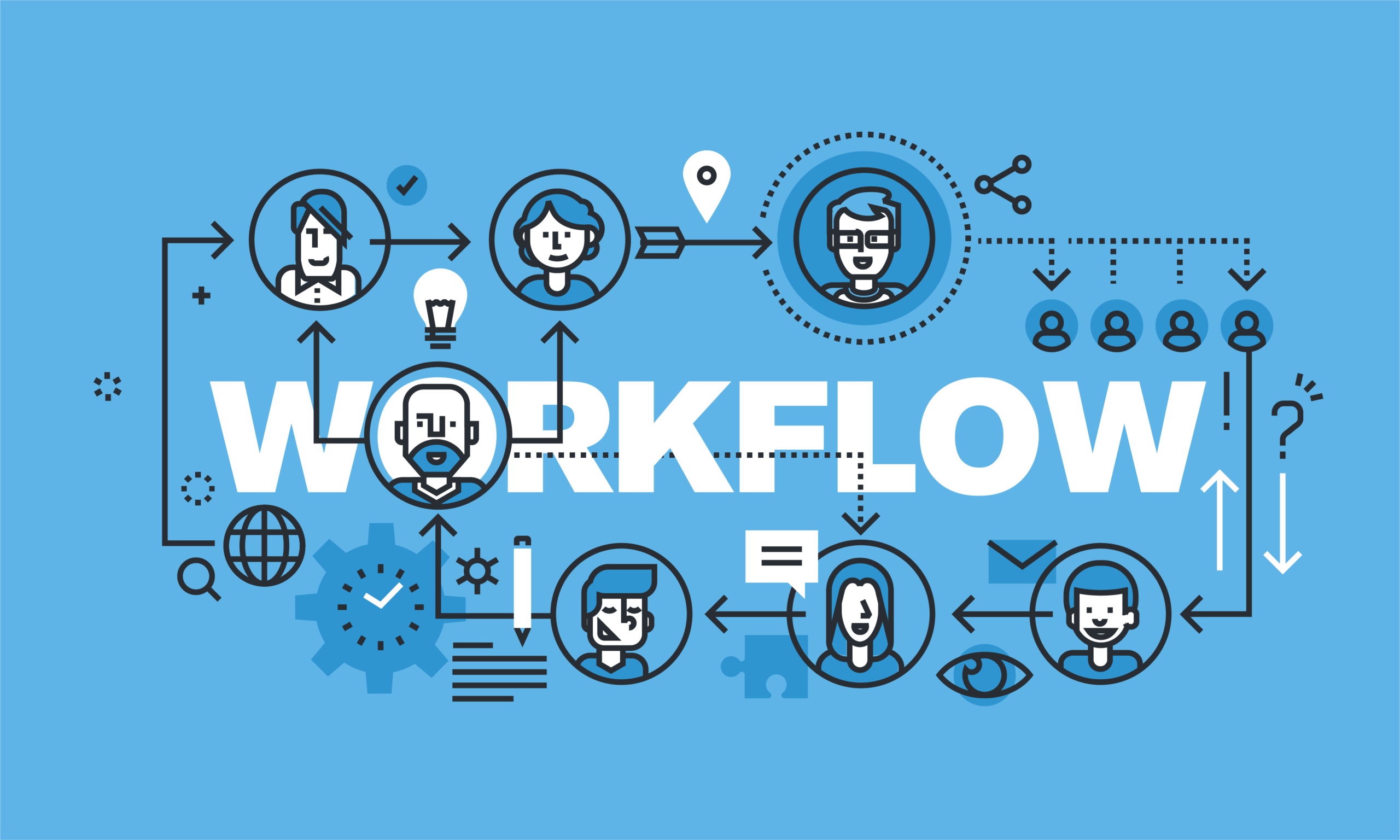
Why Your Workflow Matters
Have you ever felt like your day disappears in a blur of tasks, emails, and meetings, leaving you exhausted but unaccomplished? The difference between a productive professional and someone who’s constantly behind often comes down to workflow—the sequence of processes and tasks that dictate how work gets done.
Optimizing your workflow is not just about doing things faster; it’s about working smarter. It’s about creating systems that reduce friction, eliminate wasted effort, and ensure your energy goes toward tasks that actually matter. In this guide, we’ll explore actionable strategies, real-world examples, and practical tools to help you streamline your workflow for maximum efficiency.
Understanding Workflow
Before diving into strategies, it’s important to understand what workflow really means. A workflow is the structured set of steps or processes that guide the completion of a task or project. This could range from how you handle emails each morning to the way your team collaborates on a product launch.
Types of Workflow
- Individual Workflow: Focused on personal task management and time optimization.
- Team Workflow: Involves collaboration, delegation, and communication among team members.
- Automated Workflow: Uses software and tools to execute repetitive tasks automatically.
Understanding these distinctions allows you to tailor solutions that fit your unique needs, whether you’re a solopreneur or managing a full team.
Common Workflow Challenges
Many professionals struggle with inefficiency due to common workflow bottlenecks:
- Task Overload: Trying to juggle too many priorities without clear focus.
- Poor Time Management: Spending too much time on low-value tasks.
- Redundant Processes: Repeating the same work multiple times unnecessarily.
- Communication Gaps: Lack of clarity or delays in collaboration.
- Manual Work: Performing repetitive tasks that could be automated.
Recognizing these challenges is the first step toward creating a more streamlined, productive workflow.
Steps to Streamline Your Workflow
Streamlining your workflow requires a combination of planning, prioritization, and automation. Here are the most effective strategies:
1. Map Your Current Workflow
Start by identifying every step involved in completing your tasks. Create a visual map or checklist that captures:
- Task sequences
- Dependencies
- Decision points
- Bottlenecks
Mapping your workflow helps reveal inefficiencies and areas for improvement.
2. Prioritize Tasks Using the Eisenhower Matrix
Not all tasks are created equal. Use the Eisenhower Matrix to categorize tasks into:
| Urgent & Important | Important but Not Urgent | Urgent but Not Important | Neither Urgent nor Important |
|---|---|---|---|
| Do immediately | Schedule for later | Delegate | Eliminate |
This framework ensures your focus stays on tasks that truly impact results.
3. Eliminate Redundant Steps
Once your workflow is mapped, identify unnecessary or repetitive steps.
- Merge similar tasks
- Remove unnecessary approvals
- Automate recurring processes
Reducing redundancy not only saves time but also reduces frustration and errors.
4. Automate Repetitive Tasks
Automation is a key tool for streamlining workflow. Consider:
- Email Automation: Templates, filters, and auto-responders
- Project Management Tools: Task assignment, reminders, and progress tracking
- Data Entry Automation: Use scripts or integration tools like Zapier or Integromat
Automation frees mental bandwidth, letting you focus on high-value work.
5. Optimize Communication
Efficient communication reduces delays and misunderstandings.
- Use clear messaging in emails or chat platforms
- Establish regular check-ins for teams
- Use collaborative tools like Notion, Trello, or Slack to track updates
Streamlined communication ensures everyone stays aligned and reduces wasted time.
6. Review and Iterate
Workflow optimization is not a one-time task. Regularly review your processes:
- What’s working well?
- What’s causing bottlenecks?
- What can be automated further?
Iterative improvements keep your workflow flexible and resilient as demands change.
Workflow Tools to Boost Efficiency
The right tools can make or break your workflow. Here are some of the most effective options:
| Category | Recommended Tools |
|---|---|
| Task Management | Trello, Asana, Monday.com |
| Time Tracking | Toggl, Clockify |
| Automation | Zapier, Make (Integromat) |
| Communication | Slack, Microsoft Teams |
| File Sharing | Google Drive, Dropbox |
| Notes & Documentation | Notion, Evernote |
Choosing tools that integrate seamlessly into your workflow prevents disruptions and streamlines operations.
Workflow Tips for Maximum Efficiency
Here are additional strategies to take your workflow to the next level:
- Batch Similar Tasks: Grouping similar tasks together reduces context-switching.
- Use the Two-Minute Rule: If a task takes less than two minutes, do it immediately.
- Set Clear Goals: Define daily, weekly, and monthly objectives to stay focused.
- Minimize Distractions: Turn off unnecessary notifications and create dedicated work time.
- Delegate When Possible: Assign tasks to others to free up your time for higher-value work.
These small adjustments, combined with automation and mapping, can dramatically increase productivity.
Case Study: Streamlining Workflow in a Remote Team
Imagine a marketing team struggling to keep up with content creation, social media, and client communications. By mapping their workflow, they discovered:
- Redundant approval loops
- Overlapping tasks
- Lack of automated scheduling
After implementing task management tools, automating repetitive posts, and restructuring approvals, the team reduced production time by 35% while maintaining quality. This example highlights the power of a streamlined workflow in real-world scenarios.
Common Workflow Mistakes to Avoid
Even with the best intentions, inefficiency can creep back in. Avoid these pitfalls:
- Overcomplicating processes
- Relying on memory instead of checklists
- Ignoring feedback from team members
- Resisting automation due to fear of change
Learning from mistakes is part of building a robust, efficient workflow.
Measuring Workflow Efficiency
To ensure your workflow improvements are effective, track key metrics:
- Task Completion Rate: Percentage of tasks completed on time
- Cycle Time: Time taken to complete a task from start to finish
- Error Rate: Frequency of mistakes in your processes
- Employee/Team Satisfaction: Are workflows reducing stress or adding complexity?
Measuring performance keeps you accountable and highlights areas for further optimization.
Conclusion: Achieve Maximum Efficiency Through Workflow Optimization
Streamlining your workflow is not just about saving time—it’s about working smarter, reducing stress, and maximizing output. By mapping processes, prioritizing tasks, automating repetitive work, optimizing communication, and continuously iterating, you can turn chaos into clarity and increase both personal and team productivity.
Take the first step today: review your workflow, identify inefficiencies, and apply these strategies. The results are cumulative, and over time, you’ll find that what once felt overwhelming becomes smooth, structured, and productive.
Share your workflow tips or success stories in the comments, and inspire others to work smarter, not harder.