










If you’ve ever opened Snapchat and wondered why certain people keep showing up in your Snapchat Best Friends list, you’re not alone. This mysterious little feature has sparked curiosity, confusion, and even drama since the app first introduced it. Whether you’re trying to understand how Snapchat calculates friendships, how to remove someone from the list, or simply how the algorithm works, this guide breaks it all down in simple, real-world language.
By the end of this article, you’ll know exactly how the Snapchat Best Friends list works, how often it updates, and the hidden signals that determine who appears there.
What Is the Snapchat Best Friends List?
The Snapchat Best Friends list is a personalized list that highlights the people you interact with most frequently on the app. It’s not something you manually create—it’s automatically generated by Snapchat’s algorithm.
In short, it’s Snapchat’s way of saying, “These are your favorite people right now.”
Here’s the catch: while you can’t see someone else’s full Best Friends list, you can see if you’re on theirs through emojis or streak indicators. This subtle system has caused both excitement and tension among users who care about who ranks where.
How the Snapchat Best Friends Algorithm Works
Snapchat’s algorithm is designed to track and rank your interactions. It measures how often and how recently you communicate with each person.
The key factors include:
-
Snaps sent and received (not just texts)
-
Chat frequency
-
Snapstreaks (how many consecutive days you exchange snaps)
-
Response time (how quickly you reply)
-
Group chat engagement
-
Video calls and voice notes
Simply put, the more active and consistent your communication, the higher a person climbs on your Snapchat Best Friends list.
Quick Example:
If you send daily snaps to your best friend Sarah, but lately you’ve been snapping more with Jake, Snapchat’s algorithm will notice. Soon enough, Jake might replace Sarah on your Best Friends list. That’s how dynamic and data-driven the system is.

How Many Best Friends Can You Have on Snapchat?
The number of Best Friends depends on your level of activity:
-
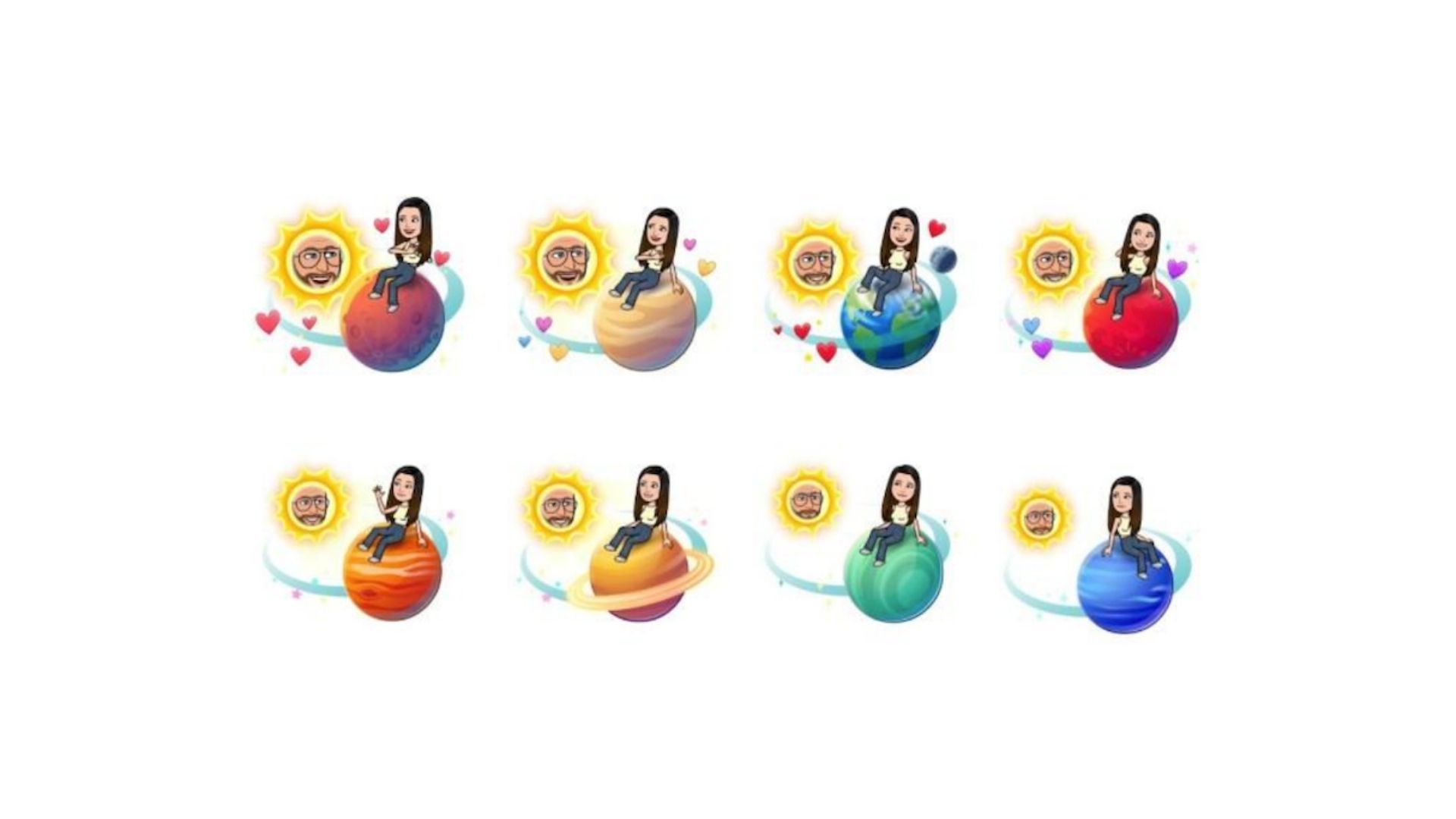
Most users see up to 8 Best Friends displayed on their profile.
-
Some newer Snapchat features or updates may show 3, 5, or 7 Best Friends, depending on testing or interface changes.
Remember: this list updates automatically as your behavior changes. You can’t manually edit or reorder your Best Friends.
The Meaning Behind Snapchat Emojis
Snapchat uses friend emojis to visualize your relationship level. These tiny icons are more meaningful than most users realize.
| Emoji | Meaning |
|---|---|
| 😊 | You’re Best Friends (frequent interaction) |
| 💛 | #1 Best Friend (you send the most snaps to each other) |
| ❤️ | You’ve been #1 Best Friends for 2 weeks |
| 💕 | You’ve been #1 Best Friends for 2 months |
| 🔥 | Snapstreak (you’ve snapped each other daily) |
| 😎 | You share a Best Friend with someone |
| 💔 | Lost a Best Friend or streak recently |
These emojis act as visual cues to help you understand your relationships on Snapchat without checking analytics.
Can You See Someone Else’s Best Friends List?
No, Snapchat removed that feature years ago for privacy reasons. Now, you can’t see someone else’s Best Friends list—you can only infer it based on their interactions with you or shared emojis.
However, you can still see mutual Best Friends through the 😎 emoji, which signals that you and another person both share a Best Friend in common.
How to Get on Someone’s Best Friends List
Getting onto someone’s Snapchat Best Friends list is all about consistent engagement. The more frequently you interact, the stronger your connection becomes in Snapchat’s eyes.
Here’s what to do:
-
Send snaps daily, not just text messages
-
Maintain long snapstreaks
-
React and reply to their chats quickly
-
Avoid group messages if you’re trying to build a one-on-one streak
-
Keep engagement consistent over time
The algorithm prioritizes recency and consistency over past connections.
How to Remove or Hide Someone from Your Best Friends List
Sometimes, you don’t want certain people appearing on your Snapchat Best Friends list—especially if others might see it through mutual connections.
Here are a few strategies:
1. Reduce Interaction
Stop snapping or chatting with that person. After a few days or weeks, Snapchat’s algorithm will replace them with someone you interact with more frequently.
2. Block or Unfriend (Extreme Option)
If you block or remove them as a friend, they immediately disappear from your Best Friends list.
3. Change Friend Emojis
You can customize or remove the default emojis under “Friend Emojis” in your settings. This won’t change your Best Friends, but it hides the symbols that reveal them.
4. Use Ghost Mode
Turning on Ghost Mode in Snap Map can help maintain privacy, but it won’t directly affect your Best Friends list—it just limits location visibility.
How Often Does Snapchat Update the Best Friends List?
Snapchat’s Best Friends list updates dynamically, not on a fixed schedule. However, many users notice changes within:
-
24–48 hours of altered snap activity
-
A week or two if habits shift gradually
This means if you stop snapping one person and start snapping another daily, your Best Friends list will adjust within days.
Snapstreaks vs. Best Friends: What’s the Difference?
While both are tied to interaction frequency, Snapstreaks and Best Friends measure slightly different behaviors.
| Feature | Focus | How It Works |
|---|---|---|
| Snapstreak | Daily interaction consistency | You must exchange snaps (not chats) every 24 hours |
| Best Friends | Overall engagement | Based on snaps, chats, calls, and more |
It’s possible to have a high Snapstreak with someone who’s not your Best Friend—especially if you chat less but still exchange daily snaps.
Why Your Best Friends List Changes Suddenly
If your Snapchat Best Friends list changes suddenly, don’t panic. This can happen for several reasons:
-
You’ve interacted more with new people recently
-
You’ve been inactive or not snapping your old friends
-
Snapchat’s algorithm recalibrated based on time and frequency
-
Group chats replaced one-on-one engagement
These changes are normal and reflect your most recent social habits.
Frequently Asked Questions
1. Can I manually edit my Best Friends list?
No, Snapchat doesn’t allow manual editing. It’s all determined by your activity and engagement.
2. Why did someone disappear from my Best Friends list?
This usually means your interactions with them decreased or someone else replaced their position.
3. Does deleting Snapchat reset my Best Friends list?
Yes, deleting your account or reinstalling the app after a long break can reset your interaction data.
4. Are Best Friends the same as “Recents”?
No. “Recents” are people you’ve interacted with recently, but they’re not necessarily your top contacts.
5. Can I have more than 8 Best Friends?
Not at once. Snapchat caps the visible list at 8, but it may track more internally for algorithmic purposes.
How to Use the Snapchat Best Friends List to Your Advantage
If you’re a social media enthusiast, influencer, or even a business user, understanding your Snapchat Best Friends list can help you:
-
Identify your most engaged followers
-
Strengthen personal connections
-
Build authentic relationships with frequent contacts
-
Track your engagement consistency over time
By watching who appears and disappears from your list, you gain subtle insights into your social activity patterns.
The Psychology Behind Snapchat’s Best Friends List
The Snapchat Best Friends list taps into our social curiosity. It subtly gamifies friendships—encouraging users to maintain streaks, send daily snaps, and stay connected. This design is intentional; it fuels daily engagement and emotional attachment to the app.
In a way, the feature doesn’t just measure connection—it creates it.
When users see someone climb or fall off their list, it triggers curiosity, motivation, or even jealousy—driving them to use Snapchat more. It’s one of the most effective social design strategies ever implemented in a mobile app.
Final Thoughts: Understanding Your Snapchat Best Friends List
Your Snapchat Best Friends list is a reflection of your real-time communication habits. It changes with your lifestyle, social circle, and digital behavior. While you can’t control it directly, you can influence it through your daily interactions.
Whether you love or hate this feature, it’s one of Snapchat’s most intriguing aspects—blurring the line between technology and human connection.
So next time you check your list, don’t overthink it. Just snap, connect, and enjoy the fun side of staying in touch.
In summary:
-
The Snapchat Best Friends list updates based on your most frequent and recent interactions.
-
You can’t manually edit or view others’ lists.
-
Emojis help decode relationship levels.
-
Consistency is the key to maintaining or changing your Best Friends.
Keep snapping smartly—and your Best Friends list will always tell an interesting story about who matters most in your digital world.